Chapter 15
Your account and your data
At the bottom of Settings you will find Your data and your account.
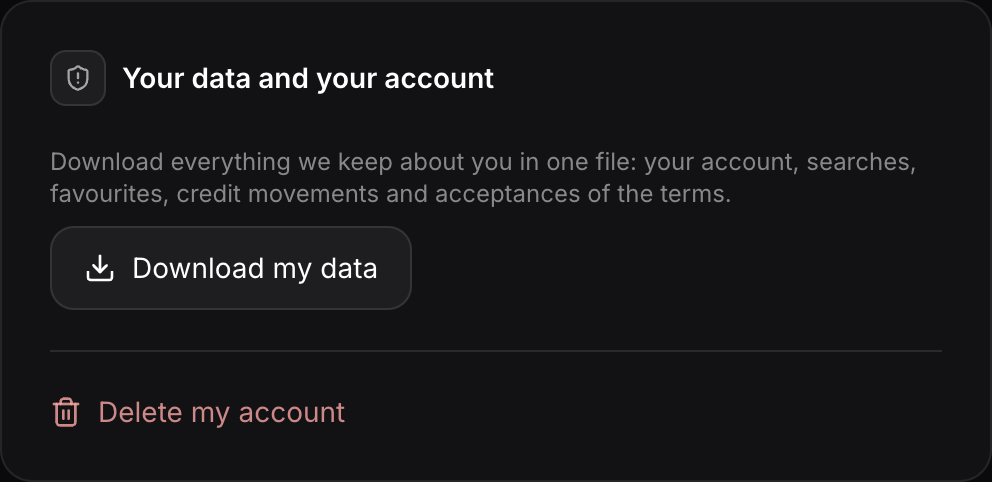
Downloading your data
Download my data downloads a file (JSON) with everything we keep about you: your account, your searches, favorites, credit history and each time you accepted the terms. Integration keys are not included, for security.
Deleting your account
- Press Delete my account and read what gets deleted.
- Type DELETE to confirm.
- Sign in again: with your password or, if you use Google, in Google's window.
- Press Delete my account for good.
Your searches, favorites, AI profile and integrations are deleted, and your subscription is cancelled if you have one. Any credits left are lost. You get a confirmation email.
Language, cookies and terms
- Language: the website's language switcher changes between English and Spanish.
- Cookies: we only use the necessary ones and, if you accept them, Google Analytics. You can change your choice in Cookie settings, at the bottom of the website.
- Terms: when they change, Leadomos asks you to accept them again when you sign in. We keep which version you accepted and when.
How long we keep your data
| Data | Period |
|---|---|
| Account and searches | While the account is active |
| Unused free accounts | Deleted after 24 months, with notice 30 days before |
| Payments and credit history | 6 years, without your email once the account is deleted |
| Technical logs | 30 days |
| Backups | 14 days |
The full detail is in the privacy policy.