Chapter 11
Integrations: Instantly
If you run your email campaigns in Instantly, you can send it a search's leads without going through a CSV.
Connecting your account
- In Settings, go to Integrations.
- Paste your Instantly API key and press Connect.
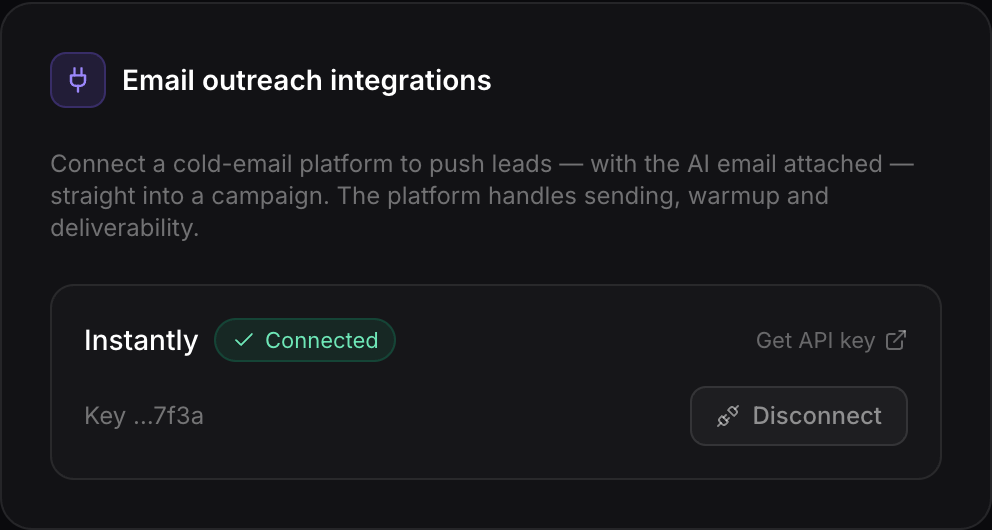
The key is stored encrypted and nobody, not even you from the browser, can read it back. You can remove it whenever you like.
Sending to a campaign
In a search, press Send to campaign, pick the Instantly campaign and confirm. Only leads with an email are sent, with their company, website, phone and, if there are any, the AI drafts (the body goes into Instantly's {{personalization}} variable).