Chapter 2
Getting started
You can try Leadomos without an account with a demo lead. To search for real you need a free account, which comes with 50 credits.
The demo without an account
On the leadomos.com home page, type a category and a city and press the demo button. You will see a real business with its details. The demo can be used once every 30 days from each connection.
Creating your account
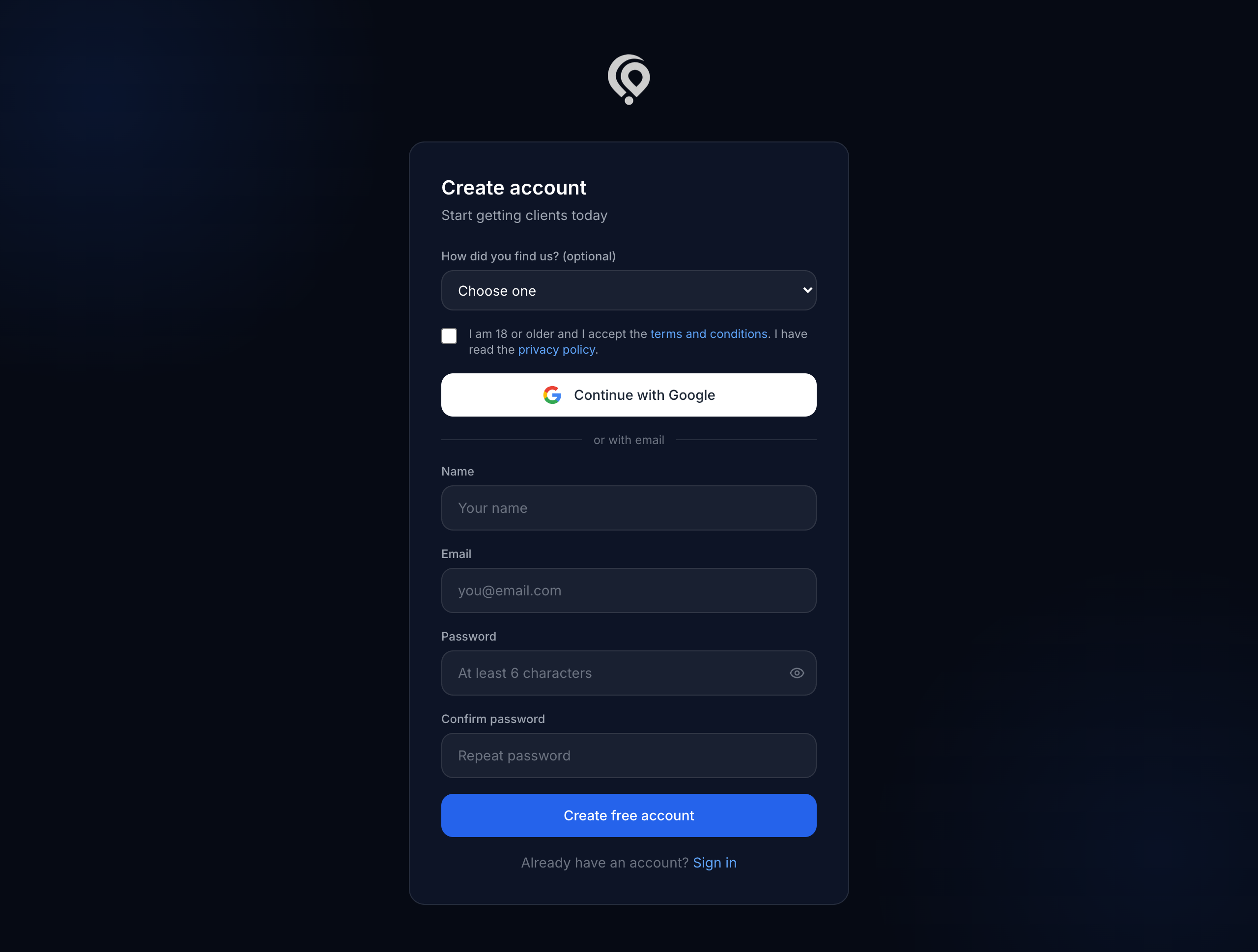
- Go to Create account (
leadomos.com/en/register). - Tick "I am 18 or older and I accept the terms and conditions". Without it the account cannot be created.
- Choose how to sign in:
- Continue with Google: the account is verified straight away.
- With your email: type your name, email and password, and press Create free account.
Verifying your email
If you signed up with your email, we send you a 6-digit code valid for 10 minutes. Type it on the verification screen.
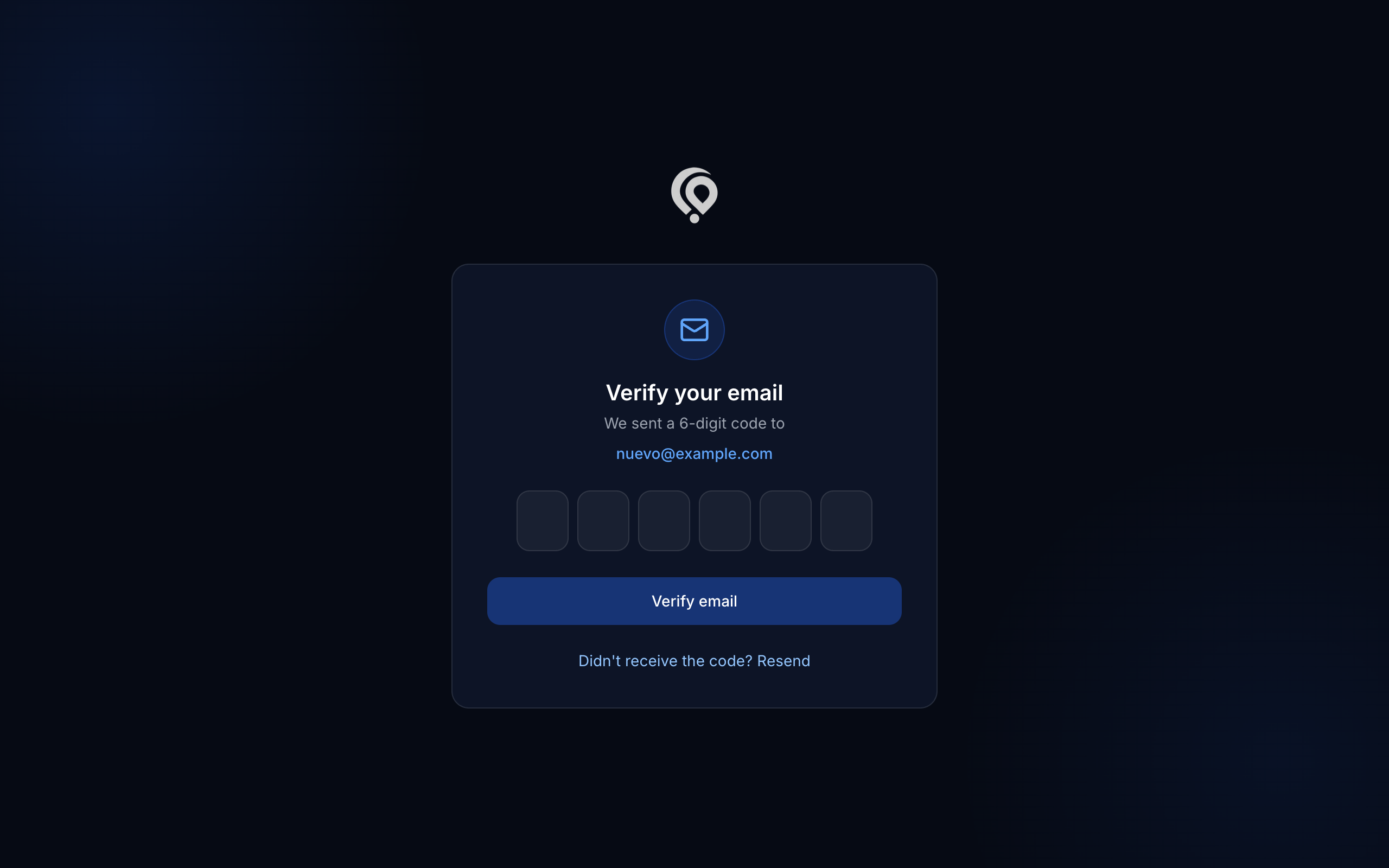
- If it does not arrive, check your spam folder and press Resend (one per minute).
- After 5 failed attempts with the same code, you need a new one.
When your email is verified you get 50 welcome credits, which expire after 12 months.
If you forget your password
On Sign in, press Forgot your password?, type your email and follow the link you receive.